



Terminal API
Card-present payments inside your software, on the same integration that already runs your online payments.
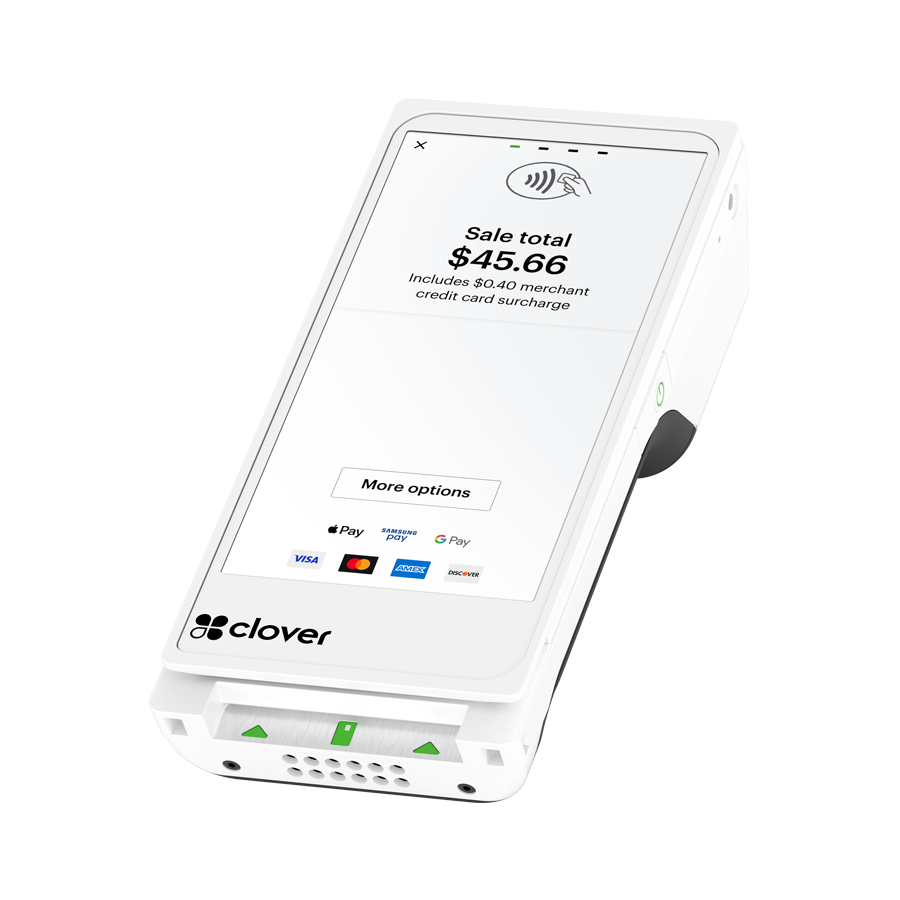
Try it
Run a transaction right now.
This is what the conversation looks like: the requests, the WebSocket stream and the responses. Press the button.


POST /api/terminal/{device_id}/charge-card{ "amount": "19.99", "include_signature": true, "print_receipt": true }→ 202 Accepted{ "interaction_id": "3fa85f64-5717-4562-b3fc-2c963f66afa6" }wss://.../cable · terminal_job:3fa85f64...← { "status": "pending" }← { "status": "succeeded", "result": { "trans_id": "987654321", "amount": "19.99", "card_brand": "visa" } }// print_receipt: true — receipt prints on the deviceOne call. Read, signature, charge, receipt. That's the Terminal API.
See the full flow in the docs →How you integrate
Two ways in.
Both are yours.
One call or full control. Charge-card runs the whole transaction in one request: read, signature, charge and receipt. Or go two-step: read-card returns a token, and you charge it through the Payments API when your own logic is ready. Either way, card data is tokenized on the device and never touches your systems.
POST/api/terminal/{device_id}/charge-card{"amount": "19.99","include_signature": true,"print_receipt": true}202 Accepted{ "interaction_id": "3fa85f64-5717-4562-b3fc-2c963f66afa6" }Most POS integrations start and finish here.
// 1. Read on the device, tokenized at tap, dip, or swipePOST/api/terminal/{device_id}/read-card202 Accepted{ "interaction_id": "3fa85f64-5717-4562-b3fc-2c963f66afa6" }// 2. Your logic: tipping, custom charge, vaulting// 3. Charge the token through the Payments APIPOST/api/charge{ "amount": "19.99", "token": "<token from read-card>" }For tipping, custom charge logic, or vaulting between read and charge.
Device Explorer
Eight devices.
One integration.
Every device is P2PE-validated and runs on the same API. Filter by what your merchants need. The integration doesn't change.
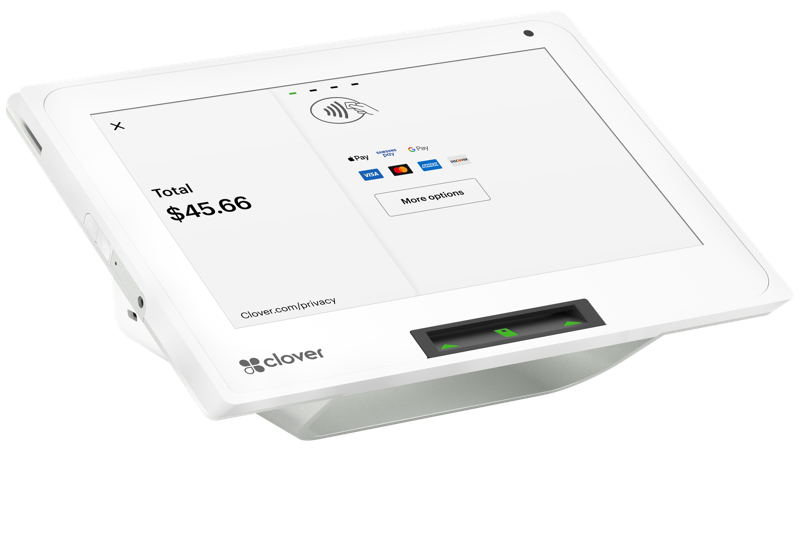
Clover Mini 3
A sleek touchscreen that turns any counter into a checkout.
- At the counter
- Prints receipts
- Signature capture
- Cash drawer optional
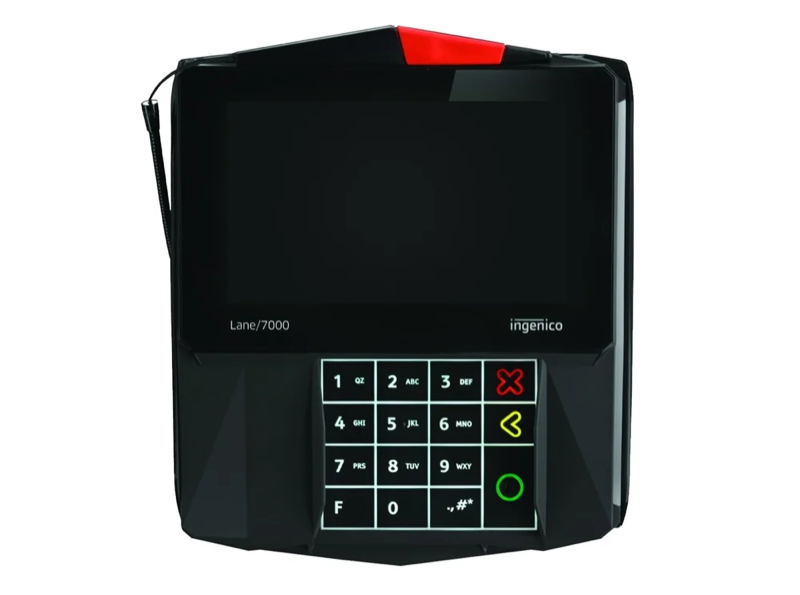
Ingenico Lane 7000
A customer-facing screen for busy checkouts.
- At the counter
- Signature capture
- Tethered stylus
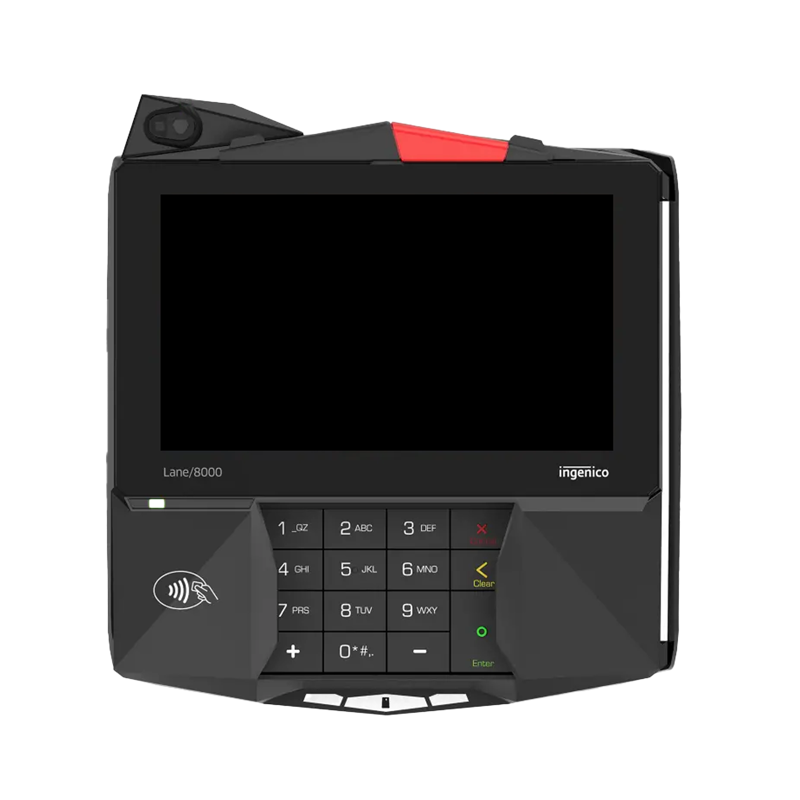
Ingenico Lane 8000
The biggest screen in the lineup, built for high volume.
- At the counter
- Signature capture
- Tethered stylus
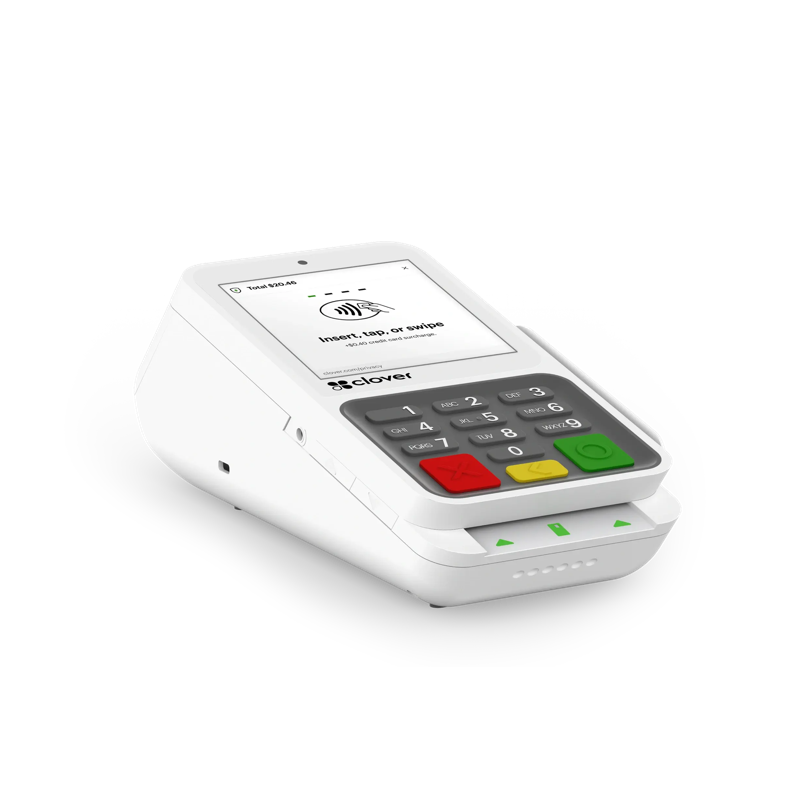
Clover Compact
Big capability in a small footprint.
- Tight spaces
- Prints receipts
- Signature capture
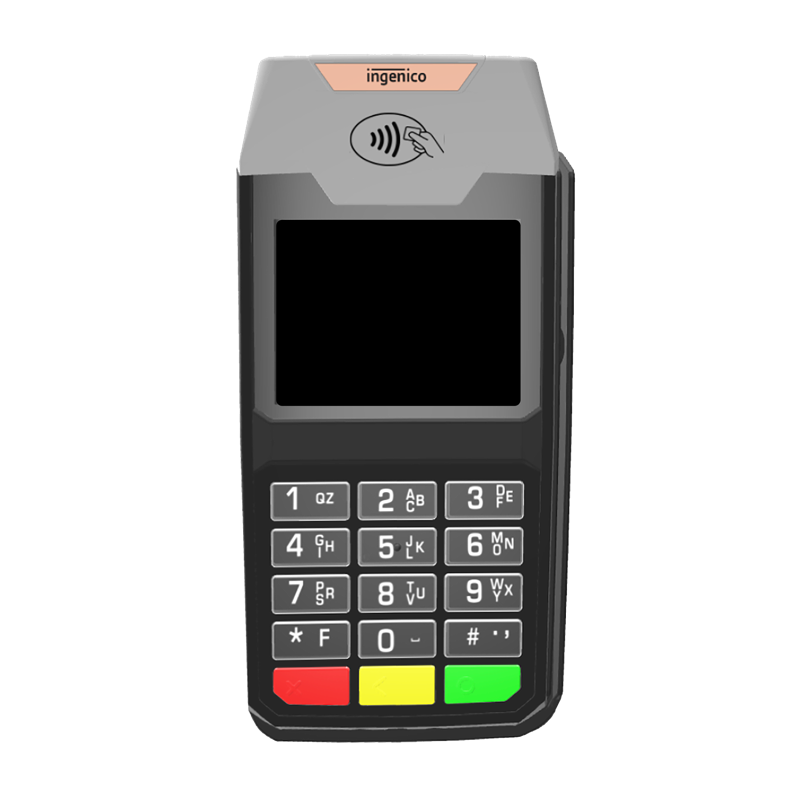
Ingenico Lane 3600
A simple, compact PIN pad that gets the job done.
- Tight spaces
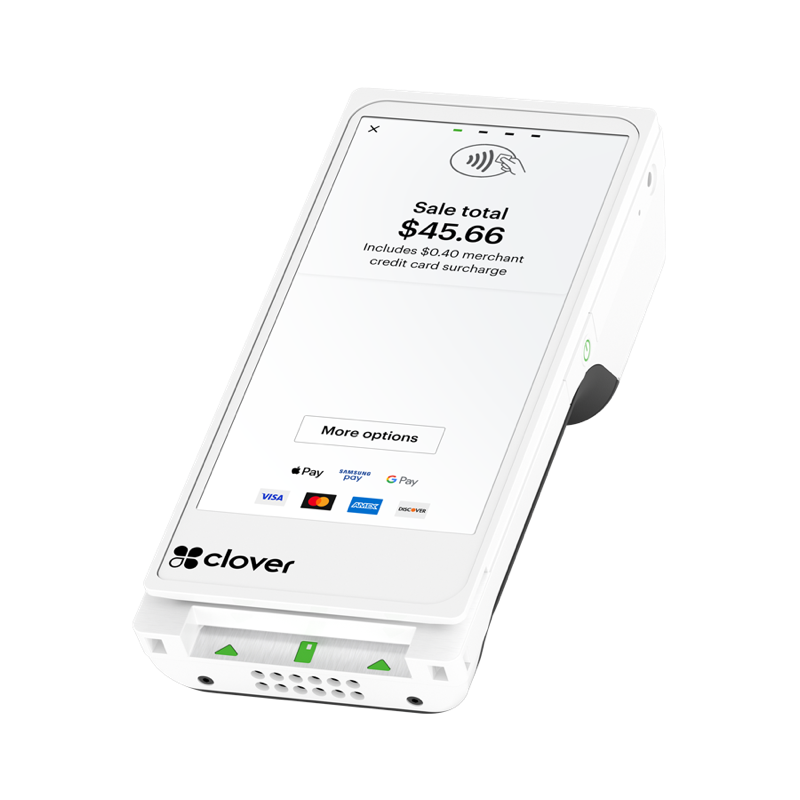
Clover Flex 4
Checkout in your hand, with receipts on the spot.
- On the move
- Prints receipts
- Signature capture
- 8-hour battery
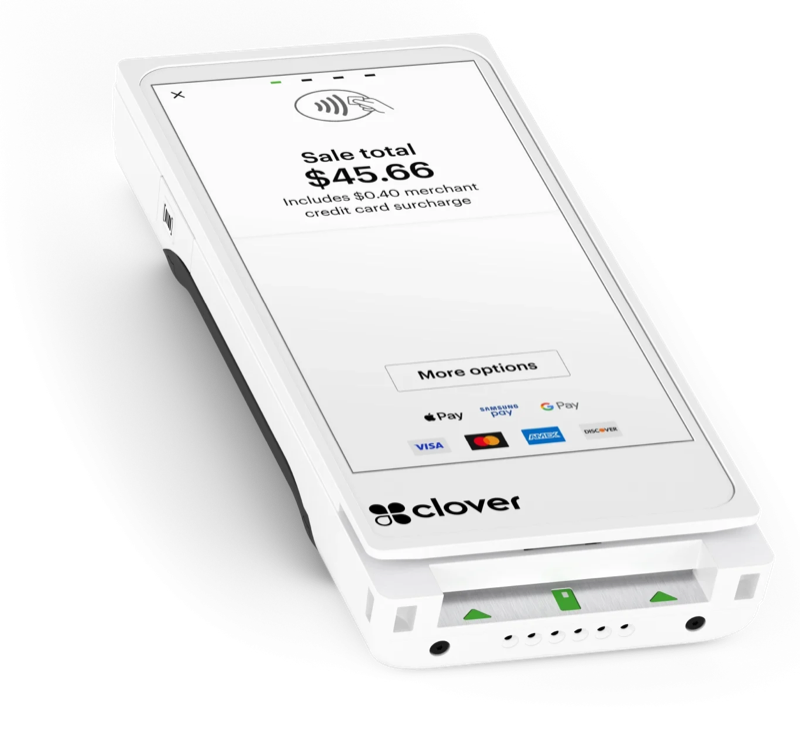
Clover Flex Pocket
Light enough to carry all day.
- On the move
- Signature capture
- Battery powered
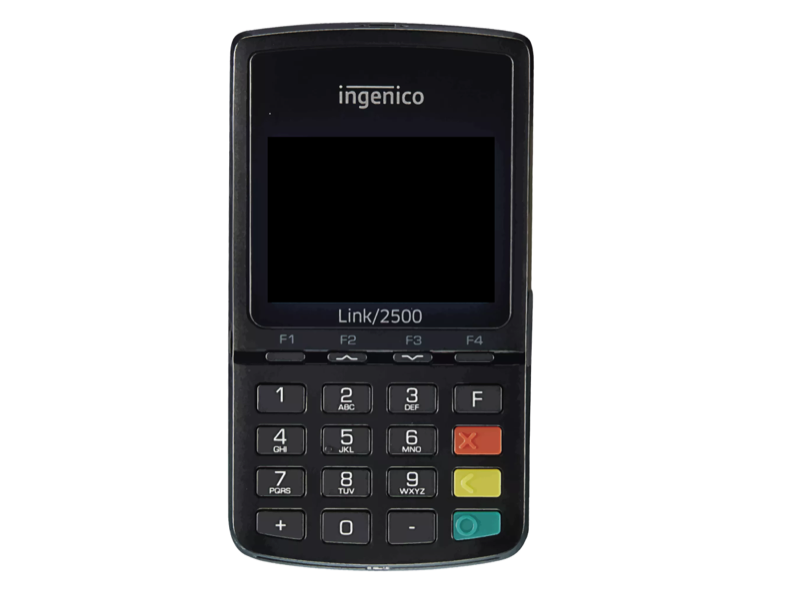
Ingenico Link 2500
A pocket-sized reader for payments on the go.
- On the move
- Battery powered
Features
Built like the rest of RUN.

P2PE by default
Card data is encrypted at the moment of tap, dip, or swipe and stays encrypted to the processor. Your software never touches it.

Real-time by design
A live WebSocket streams status during the read; webhooks push outcomes to your systems the moment they complete.
Capability-aware
Every terminal reports what it supports (signature, printing, contactless), so your UI can adapt per device, per merchant.

Receipts, both kinds
Print from supported devices or email digital receipts, at charge time or any time after.

CEDP / Product 3
Lower interchange on qualified B2B and commercial card transactions, on the same rails.

Compliant surcharge
Pass card processing costs on to customers on eligible transactions, with compliance support built in so your merchants stay within the rules.
Where it fits
One platform behind the counter.
Terminal API is one of Run Developer's four APIs (Payments, Terminal, Reporting and Boarding), and it plugs into the same platform your whole operation runs on. Merchants are boarded and devices provisioned through Run Partner; transactions land in Run Merchant reporting the moment they happen.


We run by your side
A real team runs with you.
Every Terminal API integration gets a human team from first call to go-live. Scope the fit, get a test device set up for you, validate with us, ship. Real-time support by phone, from the same team the whole way.
- 01TalkScope the fit with our team.
- 02Test deviceA test device set up for you.
- 03ValidateRun your integration through validation with us.
- 04Go liveShip, with the same team on the phone.
Ready to run?
Already integrated with Run Developer? You're most of the way there: same credentials, same Charge request.