


More flexible than ever.
New card-present devices, transaction emails you choose, checkout that ends on your own site, and clearer signing. Here's everything that shipped.

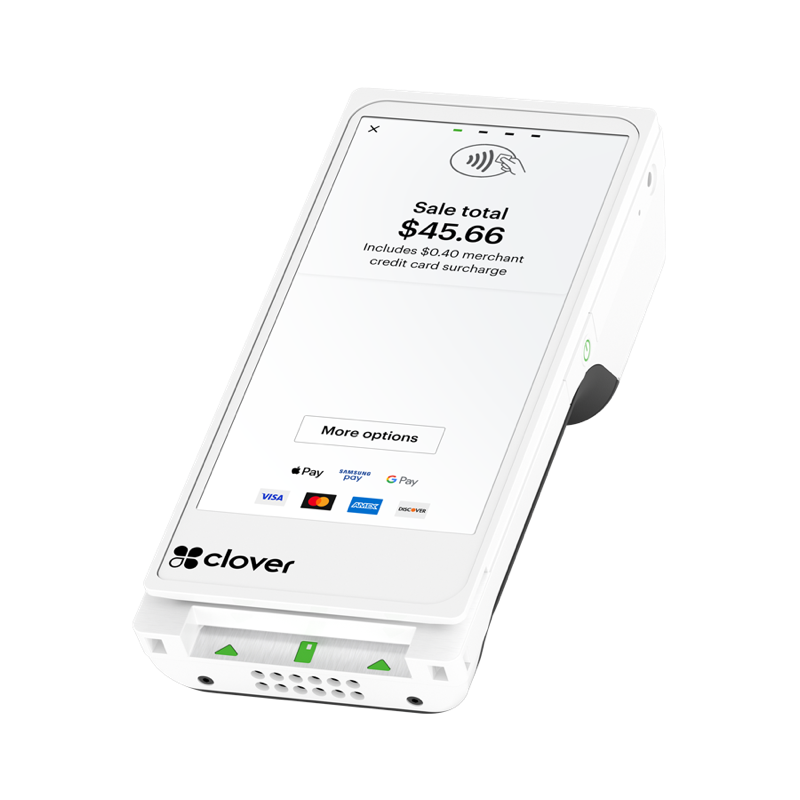
 01 · Virtual Terminal integrated devices
More ways to accept card-present payments in your Virtual Terminal.
The VT lineup just expanded. Eight new Clover and Ingenico terminals join the VP3350, all P2PE-validated. Link a device, click Read Card with Device and you're taking tap, dip and swipe payments. No integration required.
8new terminals
P2PEvalidated, every one
8 new, plus the VP3350
Three clicks to card-present.
Pick a device above, then step through.
Virtual TerminalLinked
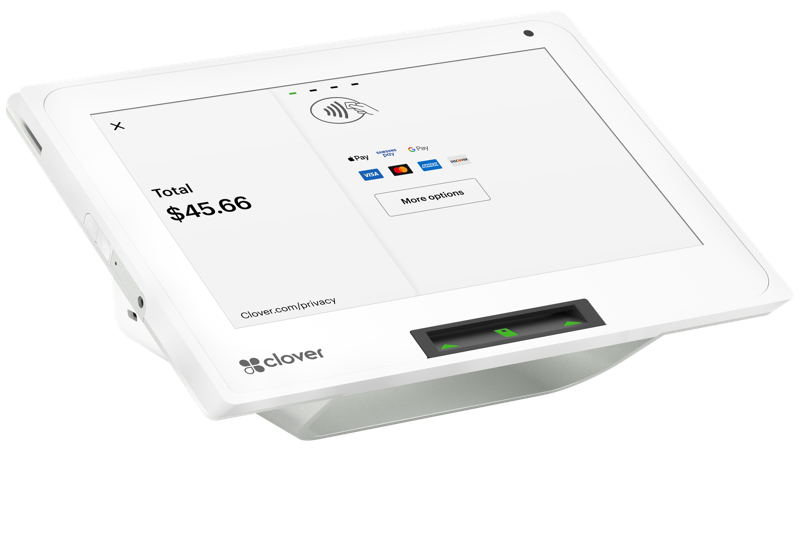 Linked deviceClover Mini 3P2PE-validated
Tapped on the Clover Mini 3. Approved.
02 · Granular transaction notifications
Only the emails you actually want.
Choose exactly which transaction emails you get and which transaction sources trigger them. Each event sends a single email. No more duplicates.
- Subscribe to Transaction Approved without also getting a separate "Transaction Happened" email for the same event
- Filter notifications by Transaction Source
- Clearer status wording. Approved and declined transactions are never labeled the same way
Already subscribed? Your settings have been automatically migrated to preserve your existing alerts.
NotificationsTry it
From these sources
One email per event. You’ll hear about Approved, Declined transactions from all sources.
 03 · Hosted Payment Page redirects · API
Checkout ends where your customer started.
Hosted Payment Pages can now send customers back to your own pages after a transaction, instead of the default "Approved" or "Declined" page. Each HPP supports two redirect URLs, one for approved and one for declined, and payment details are passed along so you pick up right where your customer left off.
 Your customer pays here.
https://[your-site]/thank-youpayment detailsYour own approved page, with the transaction details attached.https://[your-site]/try-againYour own declined page- OptionalSet redirect URLs per HPP through the API. Existing integrations are not affected.
- HTTPS requiredUse HTTPS for all redirect URLs.
- Built-in securityRUN validates every redirect URL before saving. Validation enforces HTTPS, blocks suspicious URL patterns and checks against a safelist of allowed destinations.
Building on Run Developer?Tell us about your integration and our Integration Delivery team will be in touch.
Start an integrationComing soon
Set redirect URLs directly in Run Merchant for non-API HPPs, no code required.
 04 · Signature collection, simplified
The right person signs, every time.
The merchant application signature page now names the designated signer, helping prevent the wrong person from signing in their place. A new callout at the top shows who's authorized and what to do if someone else needs to sign.
Merchant application · Signature
Someone else needs to sign? Two steps:
- 1Back to ApplicationReturn to the merchant application.
- 2Email a LinkSend it straight to the designated signer.
The application goes to the person who should sign.

Ready to RUN?
See what RUN can do for your business. One platform: Run Partner, Run Merchant and Run Developer.
Get started